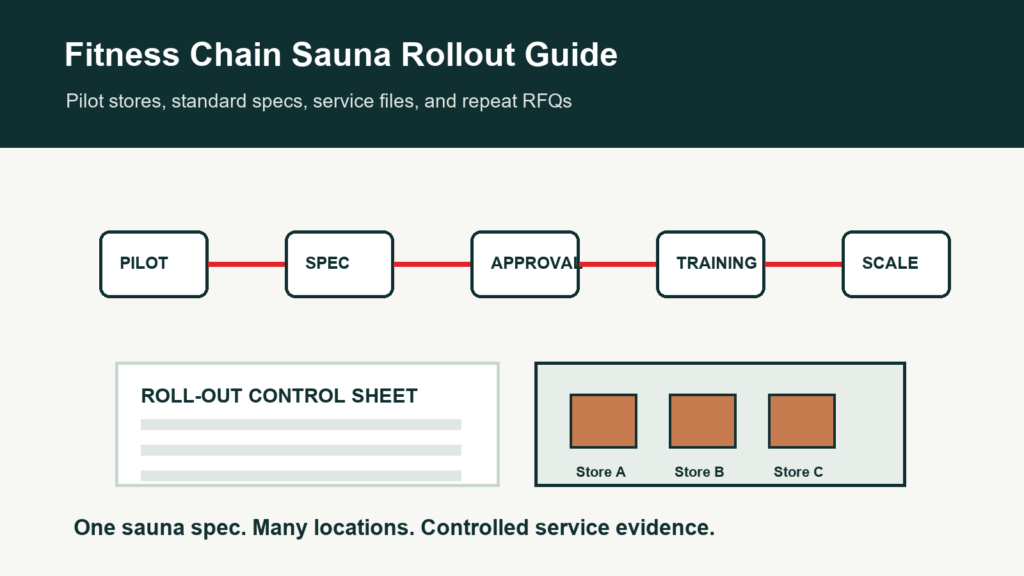
Fitness Chain Rollout
Fitness chain sauna procurement rollout guide
A fitness chain sauna rollout needs repeatable model selection, electrical review, site handoff, maintenance planning, and spare-parts support across multiple locations.
Rollout risk grows with each site.
A sauna that works well in one branch can still create problems if other branches have different power, access routes, room sizes, staff routines, or maintenance teams.
Use this guide to prepare a rollout file before a chain expands from one pilot room to multiple gyms.
1. Pilot site checklist
The pilot should test the model and the operating file.
| Pilot field | What to test | Why it matters | Output |
|---|---|---|---|
| User flow | Peak use and door cycles | Controls heat recovery | Use profile |
| Room fit | Site size, access, ceiling, base | Prevents rollout mismatch | Site survey |
| Electrical | Voltage, power, breaker, controller | Controls repeatability | Electrical note |
| Cleaning | Staff routine and products | Protects wood and hardware | Cleaning log |
| Maintenance | Door, bench, heater, lighting access | Reduces downtime | Maintenance plan |
| Service | Photos, issue owner, spare-parts path | Supports repeat locations | Service SOP |
2. Multi-site rollout controls
Do not assume every branch can use the same installation file.
| Control | Site must confirm | Factory/dealer confirms | Risk |
|---|---|---|---|
| Access route | Doorways, elevators, storage, jobsite timing | Packing and carton notes | Delivery delay |
| Power | Voltage, phase, local electrical rules | Heater package | Wrong electrical setup |
| Ventilation | Room location and air path | Vent layout | Comfort complaints |
| Base and drainage | Floor level, outdoor exposure if any | Installation note | Door or panel issue |
| Staff owner | Cleaning and opening responsibility | Training file | Poor daily operation |
| Service path | Who reports and who approves parts | Parts compatibility | Slow support |
3. Rollout packing and scheduling
A chain rollout needs shipment and site scheduling control.
| Schedule item | What to record | Why it matters | Evidence |
|---|---|---|---|
| Site sequence | Which branch receives first | Aligns installers and warehouse | Rollout calendar |
| Carton labels | Site name, model, carton sequence | Avoids branch mix-up | Label photos |
| Accessory kit | Included items per site | Standardizes handover | Accessory checklist |
| Spare kit | Shared stock or site-specific parts | Reduces downtime | Parts file |
| Installer packet | Drawing, power, base, sequence | Supports repeat installation | Packet PDF |
| Handover packet | Photos, training, issue process | Supports operations | Handover log |
4. Rollout review dashboard
Track enough data to decide whether to continue, adjust, or pause.
| Metric | What it shows | Data source | Action |
|---|---|---|---|
| Installation time | Repeatability by site | Installer notes | Improve packet |
| Heat-up baseline | Performance consistency | Opening test | Check heater or ventilation |
| Service tickets | Operational or product issues | Support log | Update training or parts |
| Cleaning compliance | Staff routine quality | Cleaning log | Retrain staff |
| Part use | Spare stock needs | Parts log | Adjust stock |
| User feedback | Guest experience | Branch feedback | Adjust model or operating rules |
Buyer file fields to keep visible
A good procurement or compliance article should become a buyer file. Keep the approved fields visible so sales, design, warehouse, installer, and service teams can use the same facts.
| Field | Why it matters | Who uses it | When to update |
|---|---|---|---|
| Model code | Connects the discussion to a real sauna room | Buyer, dealer, factory sales | When the selected model changes |
| Approved drawing | Confirms size, door, glass, bench, heater, and ventilation | Designer, installer, project owner | Whenever layout changes |
| Material record | Names wood, roof, exterior finish, glass, and hardware | Buyer and design team | Before visible material is cut |
| Electrical note | Records voltage, phase, heater power, controller, and market assumptions | Importer and electrician | Before heater package is locked |
| Packing file | Shows cartons, labels, manuals, spare parts, and accessory scope | Warehouse and buyer | Before shipment |
| Service file | Keeps photos, issue notes, replacement decisions, and owners | Dealer and after-sales team | At handover and after service |
Decision owners
Many project delays happen because no one owns an open field. Name the owner for each decision so the file moves instead of becoming a chain of messages.
| Decision | Factory confirms | Buyer or local team confirms | Output |
|---|---|---|---|
| Room family | Feasible model and customization range | Use case, budget, site size | Model shortlist |
| Material | Wood options, finish availability, certificate support | Visual preference, climate, premium requirement | Material approval |
| Electrical | Heater package and controller options | Local voltage, installer, compliance expectation | Electrical note |
| Documents | Available certificates, manuals, packing evidence | Import, project, or tender requirement | Document list |
| Packing | Carton count, labels, loading photos | Receiving site and warehouse process | Packing file |
| Service | Compatible parts and evidence needed | Local support process and owner | After-sales file |
Repeat-order review
After the first order, use the file to improve the next order. The review should identify which fields were unclear, which documents were late, and which support questions repeated.
| Timing | Review question | Evidence | Next action |
|---|---|---|---|
| Before production | Were all material, electrical, and drawing fields confirmed? | Approved option sheet | Lock or revise |
| Before shipment | Were labels, manuals, accessories, and spare parts clear? | Packing list and photos | Approve shipment |
| After arrival | Were cartons easy to identify and undamaged? | Receiving photos | Improve labels or packing |
| After installation | Were site, heater, and handover notes sufficient? | Installed photos and issue notes | Update installer file |
| After first month | What questions did staff, dealers, or users ask? | Service log | Update training |
| Before reorder | Which model, option, or document should change? | Sales and service records | Revise next order file |
Rollout success factors
- Pilot file
- Site survey
- Electrical control
- Installer packet
- Spare-parts plan
Rollout risks
- One drawing for all sites
- No branch labels
- No staff training
- No heat-up baseline
- No service owner
Model references used in this guide
Use real model pages as the starting point, such as CSA-05 commercial cedar sauna room, CSA-06 red cedar outdoor sauna kit for hotels, and CSA-08 black hemlock square sauna.
Factory note
Fitness chain projects need a repeatable operating file. The model can be standardized, but each site still needs its own access, electrical, installation, and handover records.
Working note for buyer teams
The first version of this file should mark open fields clearly. If the voltage, document requirement, material certificate, packing label, accessory scope, or service owner is not confirmed yet, write that into the file. Open fields are manageable; hidden assumptions become cost, delay, or trust problems.
For repeat orders, keep the same structure and update only the facts. That gives the buyer and factory a stable language for model, material, electrical, compliance, packing, installation, and after-sales decisions.
Responsibility boundaries to confirm
Before the file is shared with a project buyer or distributor, name which party owns each open decision. The factory can confirm product structure, available materials, heater package options, packing evidence, and compatible parts. The importer, project owner, or dealer usually owns the local site, code review, installer coordination, operating rules, and final customer communication. If those boundaries are not written down, a technical question can turn into a commercial dispute.
For higher-value projects, add an owner column to the working sheet. The owner can be a person, department, or outside contractor, but it should be visible. This keeps the file moving because everyone can see who must answer before the model, document, electrical, packing, or handover step is considered complete.
When a field is still undecided, keep it visible until it is closed. Typical open fields include final voltage, local installer review, label language, material certificate request, private-label artwork, carton mark, spare-parts scope, and handover owner. Closing these fields early makes production, shipment, and service much cleaner.
Record the decision date and owner beside each closed item before rollout.
Need an editable rollout checklist?
Send the number of sites, target model, and market. We can prepare an editable rollout file for pilot and multi-site review.
Related resources
Rollout control table for multi-site sauna buyers
For a chain rollout, the factory file should separate what is fixed across all clubs from what must be checked site by site. This prevents one approved sample from being copied into locations with different power, room access, ceiling height, drainage, ventilation, or service responsibility.
| Rollout item | Set once for the program | Confirm for each location | Evidence to keep |
|---|---|---|---|
| Model baseline | Core sauna family, capacity range, wood direction, heater type, and finish level. | Exact room size, door swing, glass direction, bench layout, and access route. | Approved model page, marked drawing, and location note. |
| Electrical route | Preferred heater/control standard and expected voltage family. | Local panel capacity, cable route, installer review, and control placement. | Electrician comment, heater label, and voltage confirmation. |
| Service plan | Warranty path, spare-part kit, ticket fields, and escalation owner. | Branch contact, maintenance staff owner, opening schedule, and downtime rule. | Service SLA sheet, spare-part list, and handover log. |
When the first reply includes these fields, the buyer can compare suppliers by rollout readiness instead of only comparing one unit price.